Call Call WhatsApp WhatsApp 0 Cart
Nice Player

Nice Player

Verified
0 posts 0 followers 0 following
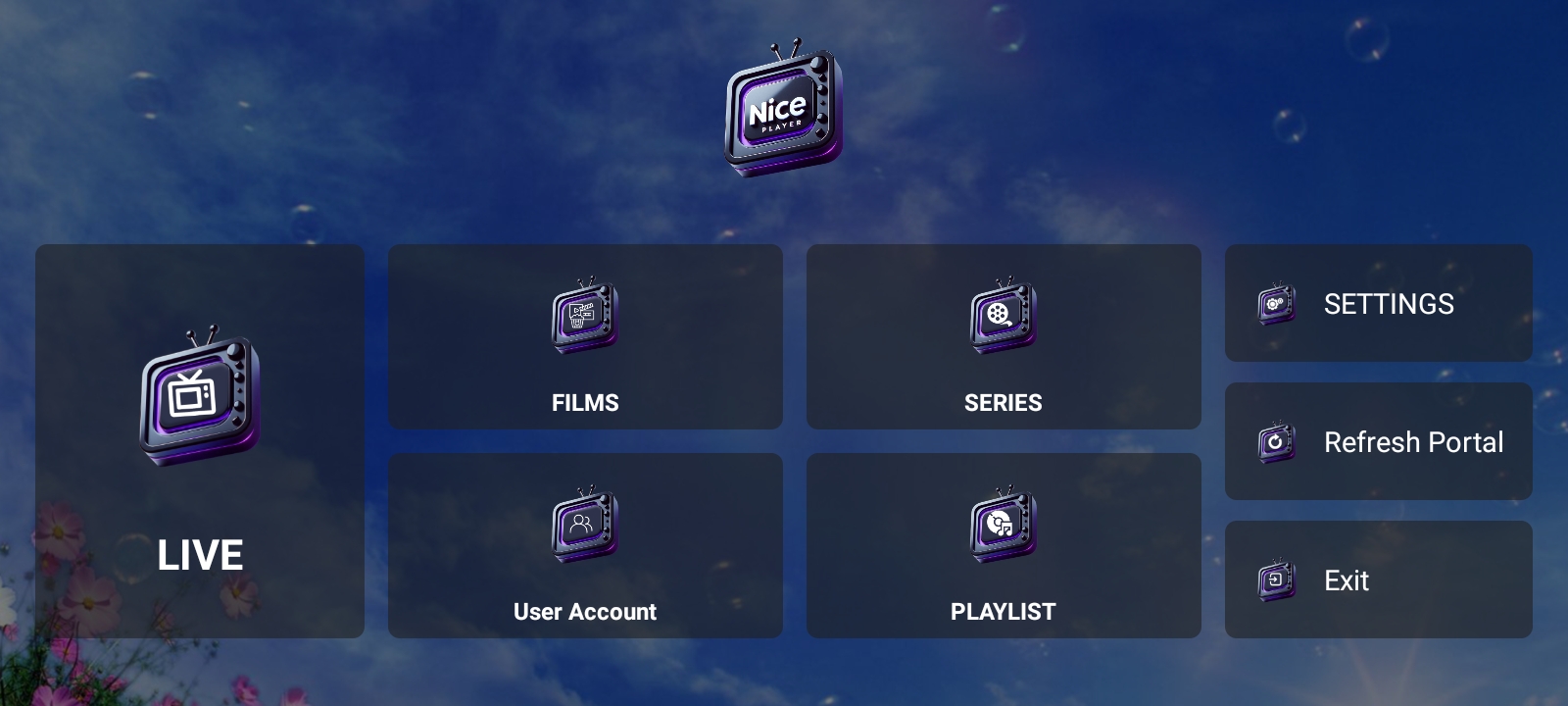
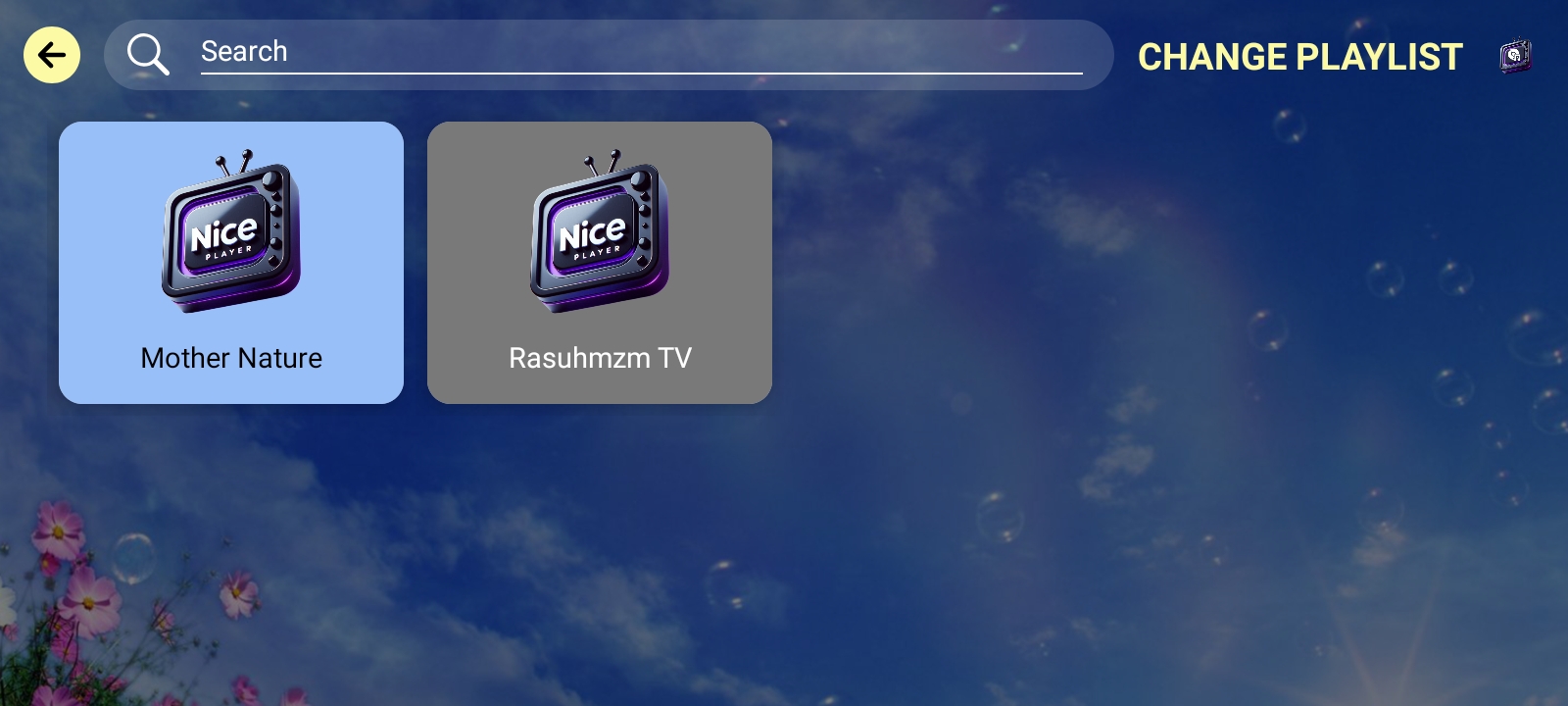
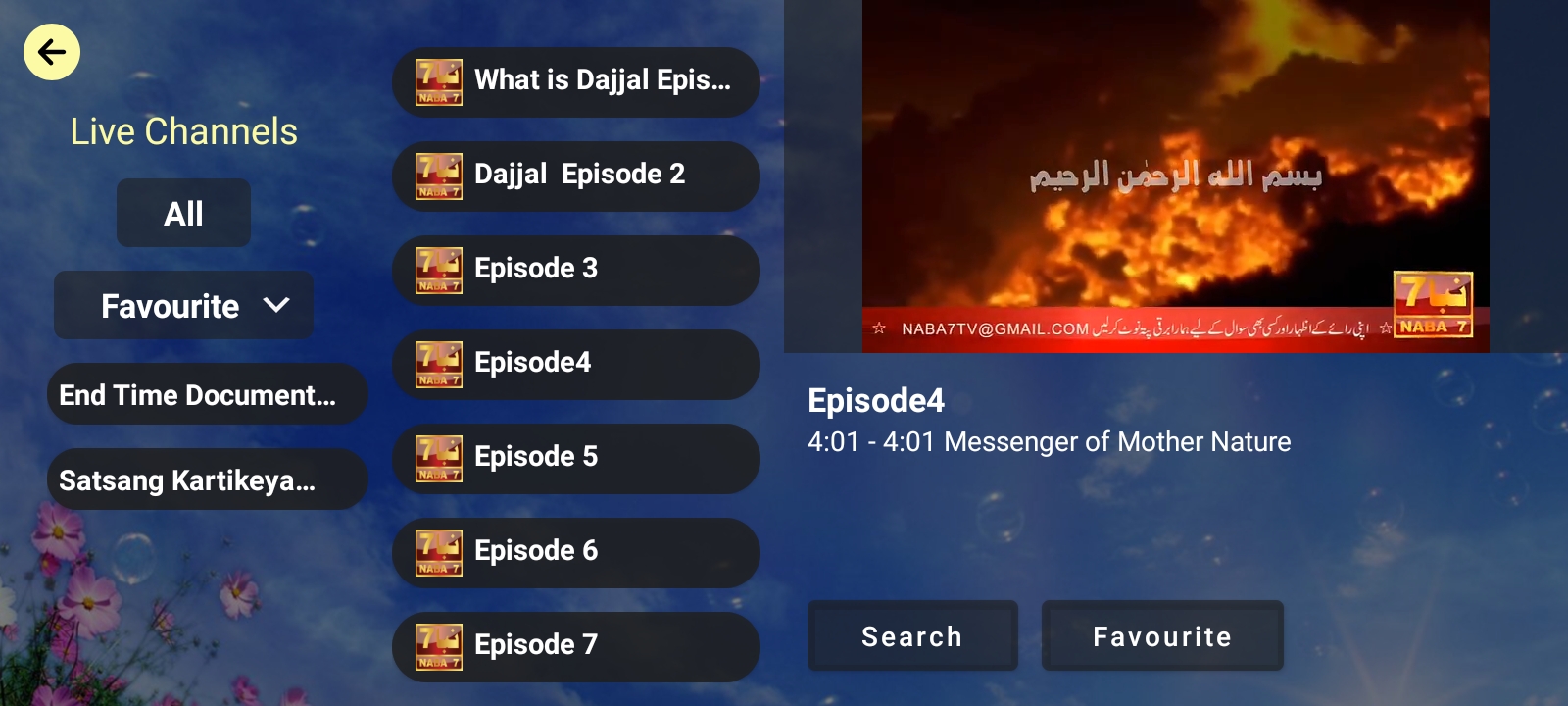
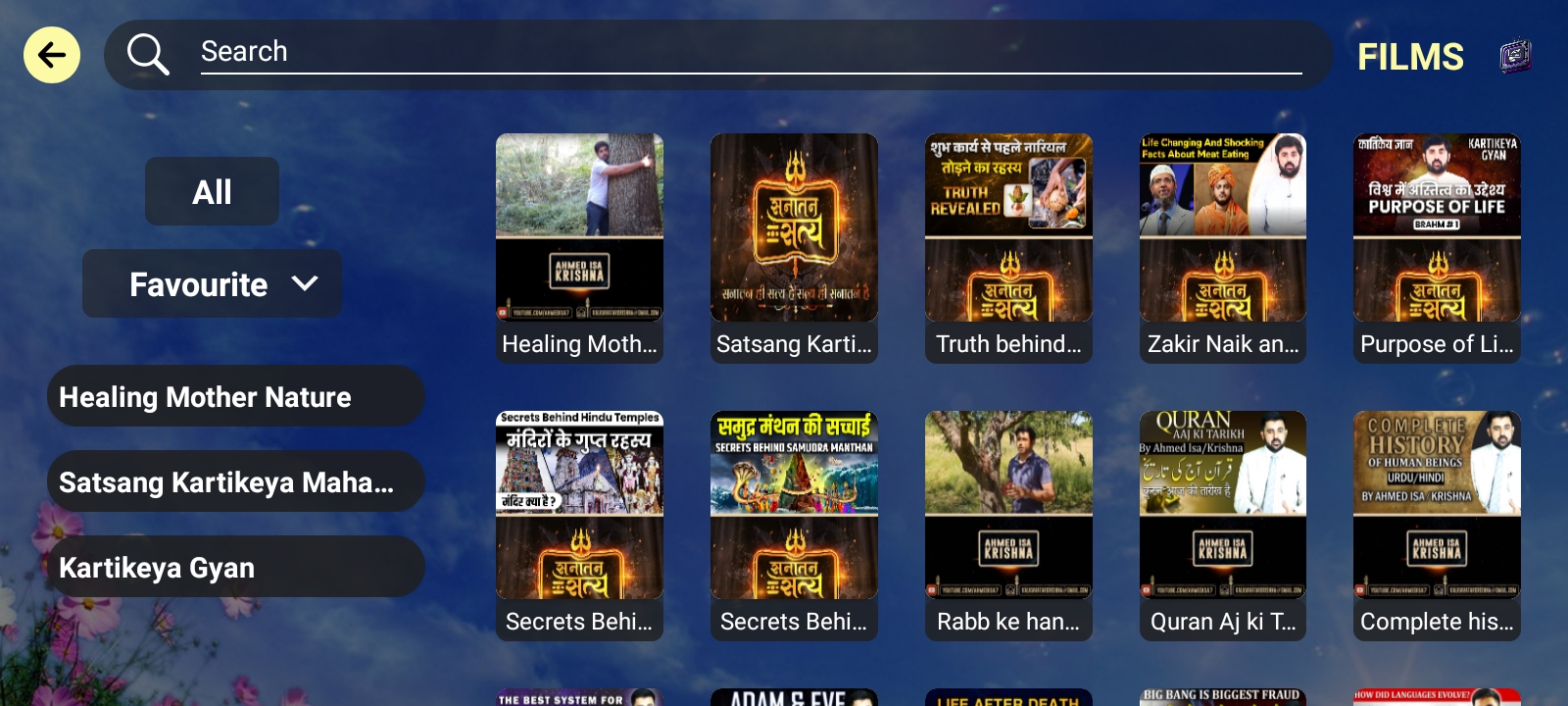
Nice Player is a streaming service that offers a wide variety of award-winning TV shows, movies, anime, documentaries and more – on thousands of internet-connected devices. You can watch as much as you want, whenever you want, without a single ad – all for one low monthly price. There's always something new to discover, and new TV shows and movies are added every week!
0.00 (0 reviews)
Write Review | View Reviews
PostsReelsOrderMore

Posts

Photos, promos, updates and business highlights

No Posts Yet
This business has not uploaded any posts yet.

🎬 Reels

Short videos, promos, demos and updates

No Reels Yet
This business has not uploaded any reels yet.

Order

Products, services, offers and business highlights

WATCH UNLIMITED - 24 Hours Free Trial

₹5.00 ₹10.00 Save ₹5.00

WATCH UNLIMITED - 1 Month

₹1,268.00 ₹1,500.00 Save ₹232.00

WATCH UNLIMITED - 3 Month

₹3,170.00 ₹3,500.00 Save ₹330.00

WATCH UNLIMITED - 6 Month

₹5,434.00 ₹6,000.00 Save ₹566.00

WATCH UNLIMITED - 1 Year

₹8,151.00 ₹8,500.00 Save ₹349.00

WATCH UNLIMITED - 2 Year

₹13,586.00 ₹14,000.00 Save ₹414.00

More

Extra images and additional content blocks for your profile.
Images

Screenshot
Screenshot
Screenshot
Screenshot
Screenshot
Screenshot
Screenshot
Screenshot

For RoKu App

Method 1

Step 1 : Open this Link on any Browser  https://channelstore.roku.com/en-gb/details/a67aeb0b9c01cf424df284b204df2d02/aplusplayer

Step 2 : when link will be open then login your Roku account

Step 3: Click on Add channel

Step 4: Then Check on Roku TV

Method 2 If you have Search Option then Search

Step 1: Search Nice Player

Method 3

Access Code: ZZMCT6

For LG Smart TV

Step 1 : Press the Home button on the remote & Go to LG Content Store.

Step 2 : Search for the Nice Player to install.

For Samsung Smart TV

Step 1 : Press the Smart Hub button from your remote.

Step 2 : Search for the Nice Player to install.

For - Web/ Internet/ Browser /Chrome

  • Open internet Browser on TV or Anywhere
  • Type this Website URL http://4thdimension.watch/
  • Create Your Account
  • Submit your Email id to activate
    Note: Customer Care What’s app No.: +917066078966

Android Tablet

Android TV/ STB/ BOX/Tablet/Google chromecast

Step 1

- You Can Download APK - https://niceplayer.today/assets/apk/NicePlayerAndroidTv.apk
- then Copy it to USB Pen Drive
- then Connect USB Pen Drive into TV/BOX
- then Install it

Fire TV

Step 1: Download App direct  APK  - https://niceplayer.today/assets/apk/NicePlayerFireTv.apk
Step 2: Download the downloader app on firestick.
Step 3: Go to settings of firestick >> My Fire TV >> Developer Options >> Install from unknown apps >> Click Downloader to change the status to ON

Customer Reviews

No Reviews Yet
Be the first to share your experience with this business.

Add Product / Offer

Click to upload product image PNG, JPG, WEBP supported

Your Cart

Subtotal ₹0.00
GST (18%) ₹0.00
Total ₹0.00
Proceed to Cart